

Blogs
How to Choose the Right Samsung Gaming Monitor in Pakistan (2026 Buyer’s Guide)

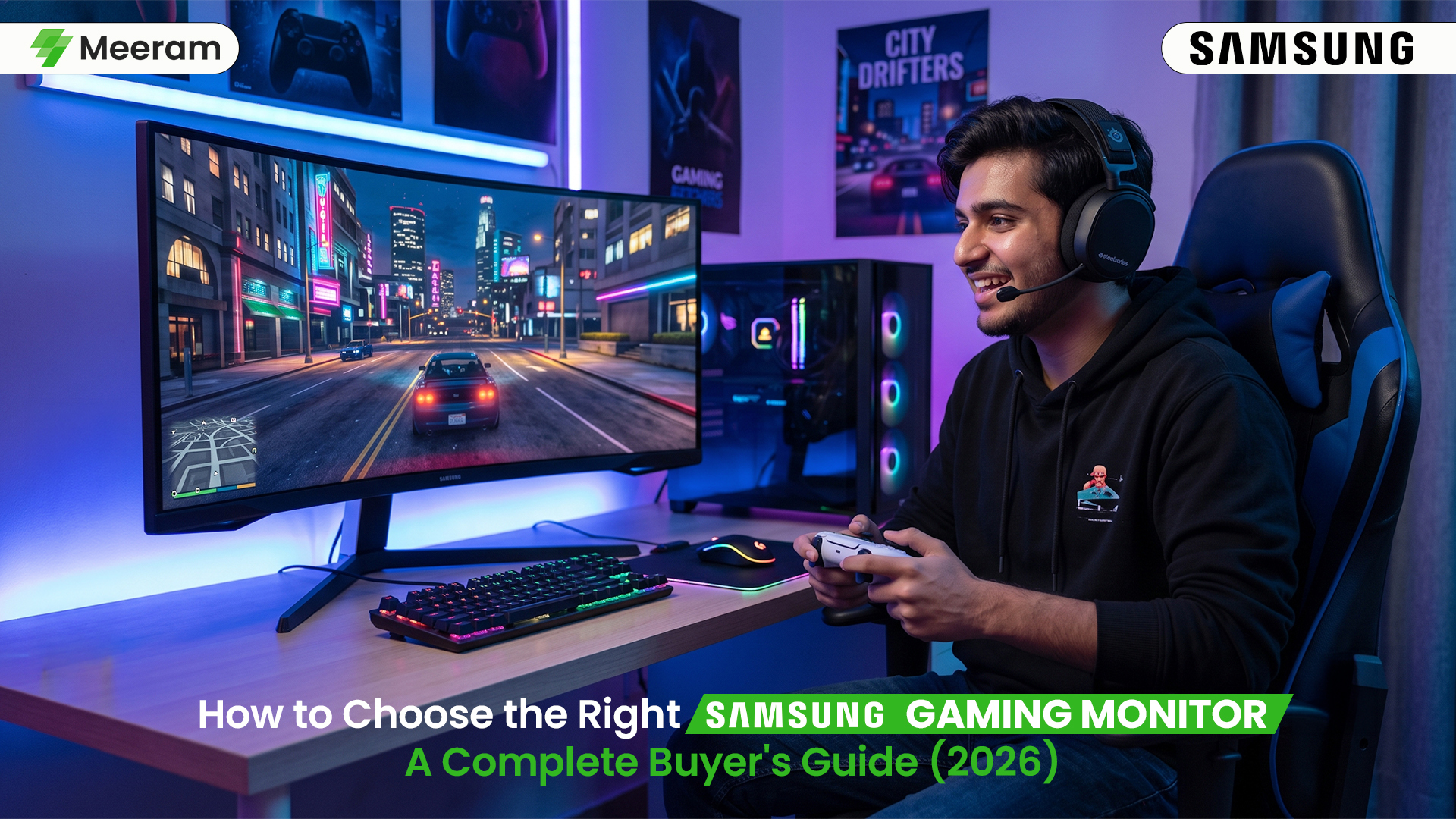
Serious gamers know that the ideal setup is not complete without the right display to match the power of the graphics card and processor. When connected to a mid-range display, even the most powerful gaming PC will be underwhelming. To enjoy stunning graphics, smooth gameplay, and immersive visuals, you need the right gaming monitor.
If you are a casual gamer who plays on the weekends or a hardcore esports fan who plays to win, you can find the right display for you with Samsung. With their long and trusted streak for powerful displays, gamers know they can count on Samsung. This guide will help you determine your budget so you can figure out which Samsung gaming monitor you can buy. Samsung combines advanced display technology with real-world gaming performance, delivering an experience that goes beyond technical specifications.
Gamers trust Samsung because its monitors deliver vibrant colors, smooth gameplay, low input lag, and advanced gaming features for an immersive experience. If you play games that are fast and interactive or content creation tasks, you can count on Samsung monitors.
Why Refresh Rate Matters for Gaming
Refresh rate means how often a display can update an image per second. A monitor with a refresh rate of 60Hz can refresh an image 60 times a second while a monitor with a refresh rate of 120Hz can refresh an image 120 times a second. Refresh rates of 144Hz and higher create smoother gameplay. This is because games seem more responsive with higher rates. Camera movements are smooth; Aim becomes precise, and fast movements can be followed with ease. Because each frame during competitive gameplay can affect the outcome, 144Hz, 165Hz, or even higher refresh rates, often become optimal choices for competitive players.
The Importance of Response Time
The speed of response time is measured by how quickly pixels can change from one color to another.
The lower the response time, the better the quality of the image, and the less:
- Motion blur
- Ghosting
- Image trails
Because of the fast response time, Samsung Gaming Monitors can maintain clarity of images and movements. This is one of the reasons they are great for competitive players of the following games:
- Call of Duty
- Counter Strike
- Valorant
- Apex Legends
- Fortnite
For competitive gaming, lower response times offer great benefits and are highly recommended.
Choosing the Right Resolution
Not only does response time affect image quality, but so does resolution. Samsung offers gaming monitors with various resolutions.
Full HD (1920 × 1080)
- Higher frame rates
- Lower hardware requirements
- Budget-friendly
QHD (2560 × 1440)
- Sharper visuals
- Better detail
- Excellent balance between quality and performance
- Remember that 4K gaming may become taxing on your gaming hardware.
4K UHD (3840 × 2160)
- Stunning image quality
- Best for AAA games
- Requires a powerful graphics card
Battle of the Curves
Samsung has become one of the leading brands with the advancement of Curved Monitors. Immersive displays wrap the image around the gamers’ natural viewing field. These advantages are especially useful when considering immersion, eye movement, viewing comfort, modern styling, and viewing comfort for prolonged gaming sessions.
The more traditional, flat screens, are still favored by some competitive esports players, while the best option is entirely subjective.
- HDR
- Supports
- Brightness
- Contrast
- Detail and tones of Shadows
Computers have different display capabilities, and some of the better gaming displays are Samsung models that support HDR. Samsung’s displays show detail that other displays miss, especially when HDR is implemented.
Benefits of HDR.
Dark scenes appear richer, and bright scenes explode with detail and color with good HDR.
Adaptive Sync
The best aspect of gaming displays is the decrease in screen tearing, and Samsung’s line of displays offers many Adaptive Sync technologies for a smoother and more responsive display. Users of either NVIDIA or AMD cards should have no problems with the newer sync technologies offered in Samsung displays.
Screen Size
The correct screen size for your gaming setup is dependent on your space, distance, and gaming practices.
Popular sizes are
- 24 inch for competitive players.
- 27 inch is a great all around gaming size.
- 32 inch is a great size for multitasking.
Ultrawide
Great for cinematic gaming and productive gameplay.
These features can include
- Eye Comfort Mode.
- Flicker-Free technology.
- Adjustable stands.
- Borderless designs.
- Multiple HDMI and DisplayPort connections.
- Gaming-specific picture modes.
- Quick access on-screen settings.
These features improve comfort and convenience during prolonged computer use.
Which Samsung Gaming Monitor Should You Choose?
Everyone has their own gaming preferences. If you play mostly competitive online games, you should focus on:
- Higher refresh rates.
- Lower response times.
- Full HD or QHD.
If you play immersive single-player games, you should focus on:
- Bigger screens.
- High Dynamic Range.
- Higher resolutions.
- Curved screens.
If you are a gamer who creates content, you should focus on monitors that are:
- Very color accurate.
- QHD or 4K.
- Large widescreens.
Long-term value is an important consideration when choosing a monitor, and knowing your gaming preferences can help determine that.
Buying From an Authorized Retailer
The retailer you choose is just as important as making the right choice in specifications.
- An authorized retailer has:
- Real Samsung products.
- Manufacturer’s warranty.
- Reliable customer support.
- Secure payment methods.
- Professional help pre and post-sale.
These features help buyers feel confident they are purchasing real products.
Best Samsung Gaming Monitors Available at Meeram Store
Compare the best Samsung Odyssey gaming monitors available at Meeram Store. Whether you’re a competitive gamer, content creator, or looking for an immersive ultra-wide display, this table helps you choose the right monitor for your needs.
| Samsung Monitor Model | Refresh Rate | Best For |
|---|---|---|
| Samsung Odyssey G55C | 165Hz | Competitive Gaming |
| Samsung Odyssey G55T | 144Hz | Budget Gamers |
| Samsung Odyssey G91SD | 144Hz | Professional & Esports |
| Samsung Odyssey G93SC | 240Hz | Premium Ultra-Wide Gaming |
Common Mistakes to Avoid When Buying a Gaming Monitor
- Buying a 240Hz monitor without a powerful GPU.
- Choosing 4K when your PC can’t run modern games smoothly.
- Ignoring response time.
- Buying the wrong screen size for your desk.
- Overlooking warranty and after-sales support.
Final Thoughts
Finding the right gaming monitor doesn’t mean you have to buy the most expensive product. You should buy the monitor that accommodates your game style and your set up, and is within your financial means. Samsung offers so many gaming monitors at different price points that have an excellent display, so if you are just getting in to PC gaming, or you are improving your current setup, you have plenty of options from Samsung.
Explore the latest Samsung Gaming Monitors at Meeram Store to compare refresh rates, screen sizes, resolutions, and gaming features. Whether you’re building your first gaming setup or upgrading your current display, you’ll find a Samsung monitor that fits your needs and budget.
FAQs
- Which Samsung gaming monitor is best for competitive gaming?
A Samsung monitor with a 144Hz or higher refresh rate, 1ms response time, and Adaptive Sync is ideal for competitive gaming.
- Are Samsung gaming monitors good for PS5 and Xbox Series X?
Yes. Many Samsung gaming monitors support 4K resolution, 120Hz refresh rates, and HDMI 2.1, making them great for modern consoles.
- Is a curved Samsung gaming monitor better than a flat monitor?
Curved monitors offer a more immersive gaming experience, while flat monitors are often preferred for competitive esports. - What refresh rate is best for a Samsung gaming monitor?
For smooth gaming, 144Hz or higher is recommended. Casual gamers can also enjoy a good experience with 75Hz or 100Hz displays.
- What should I consider before buying a Samsung gaming monitor?
Look for the right screen size, resolution, refresh rate, response time, and HDR support based on your gaming needs and budget.